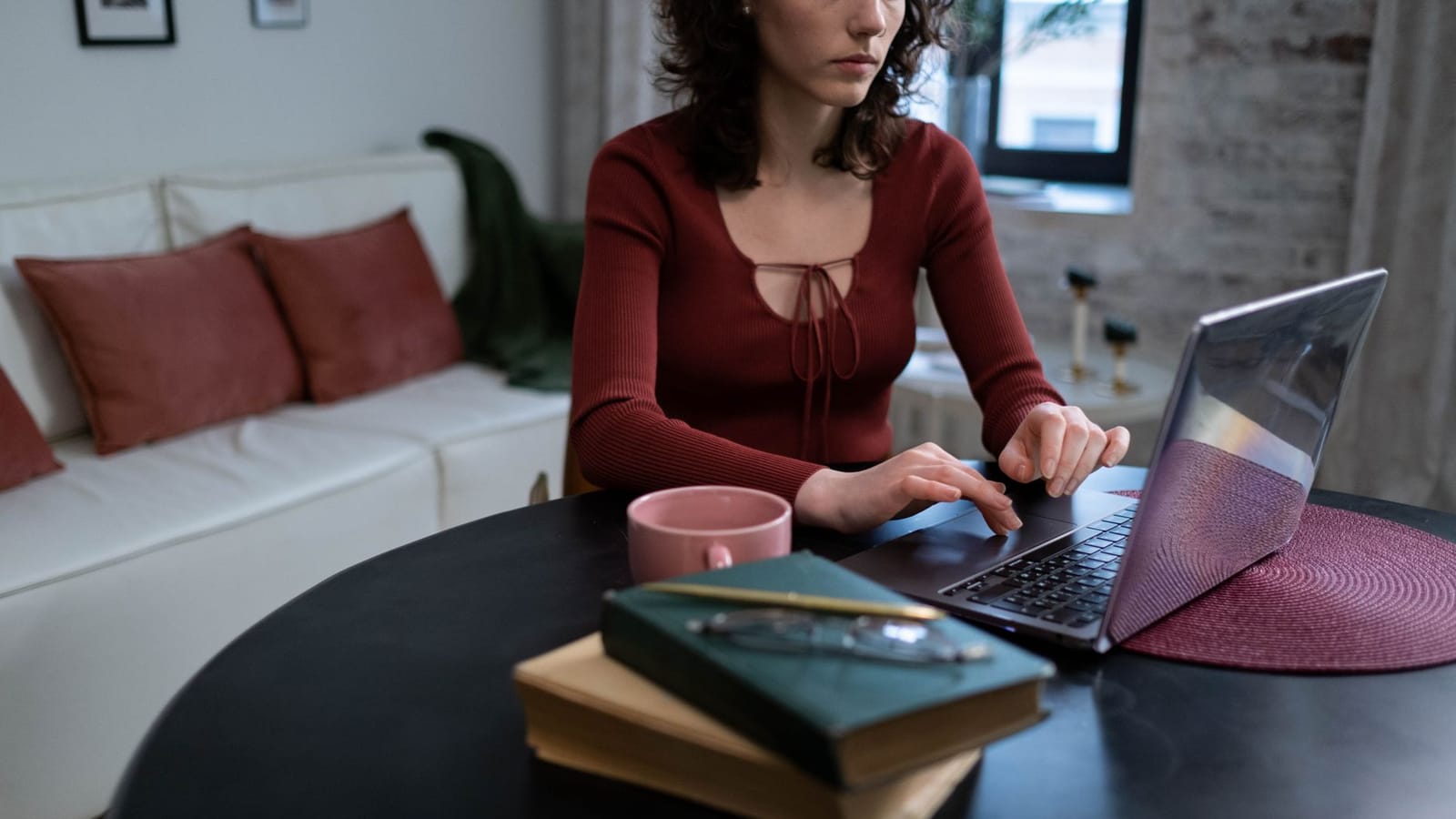
Viewers forgive an average picture, but they leave when the sound is bad. The best part: great audio is cheap.
Fix the room first
Echo is the enemy. Record in a small room with soft things in it: a bed, curtains, a rug, a bookshelf. Close the windows, switch off fans and put your phone on silent.
Get close to the microphone
The closer the microphone is to your mouth, the less room noise it picks up. Aim for about a fist-width, slightly off to the side to avoid popping sounds.
Pick a simple microphone
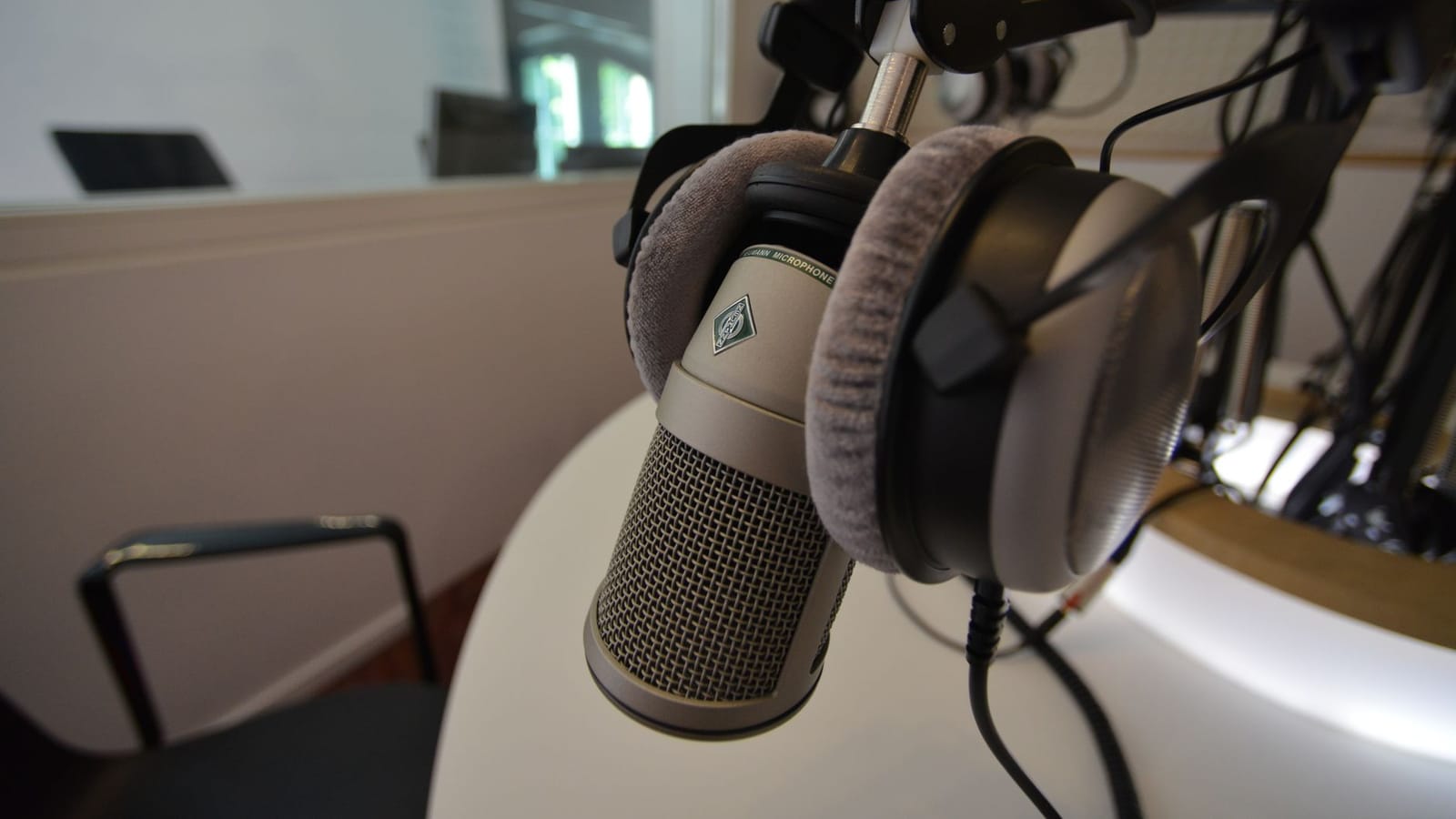
A basic USB microphone or a clip-on lavalier microphone is enough to start. Plug it directly into your computer or phone and monitor with headphones.
Watch your levels
Speak normally and check that the meter peaks around the upper-middle part. If it hits the top, lower the input gain. Distorted audio cannot be repaired.
Record a test, every time
Record ten seconds, listen with headphones and fix problems before you record the full lesson. It takes one minute and can save an hour.
Clean up in editing
Remove long pauses and breaths, apply gentle noise reduction and normalise the volume. Do not over-process: natural voices sound best.
Better audio will make your courses and videos feel more professional immediately.