Template · Productivity
Notion Productivity System
A calm weekly planning workspace you can copy in minutes.
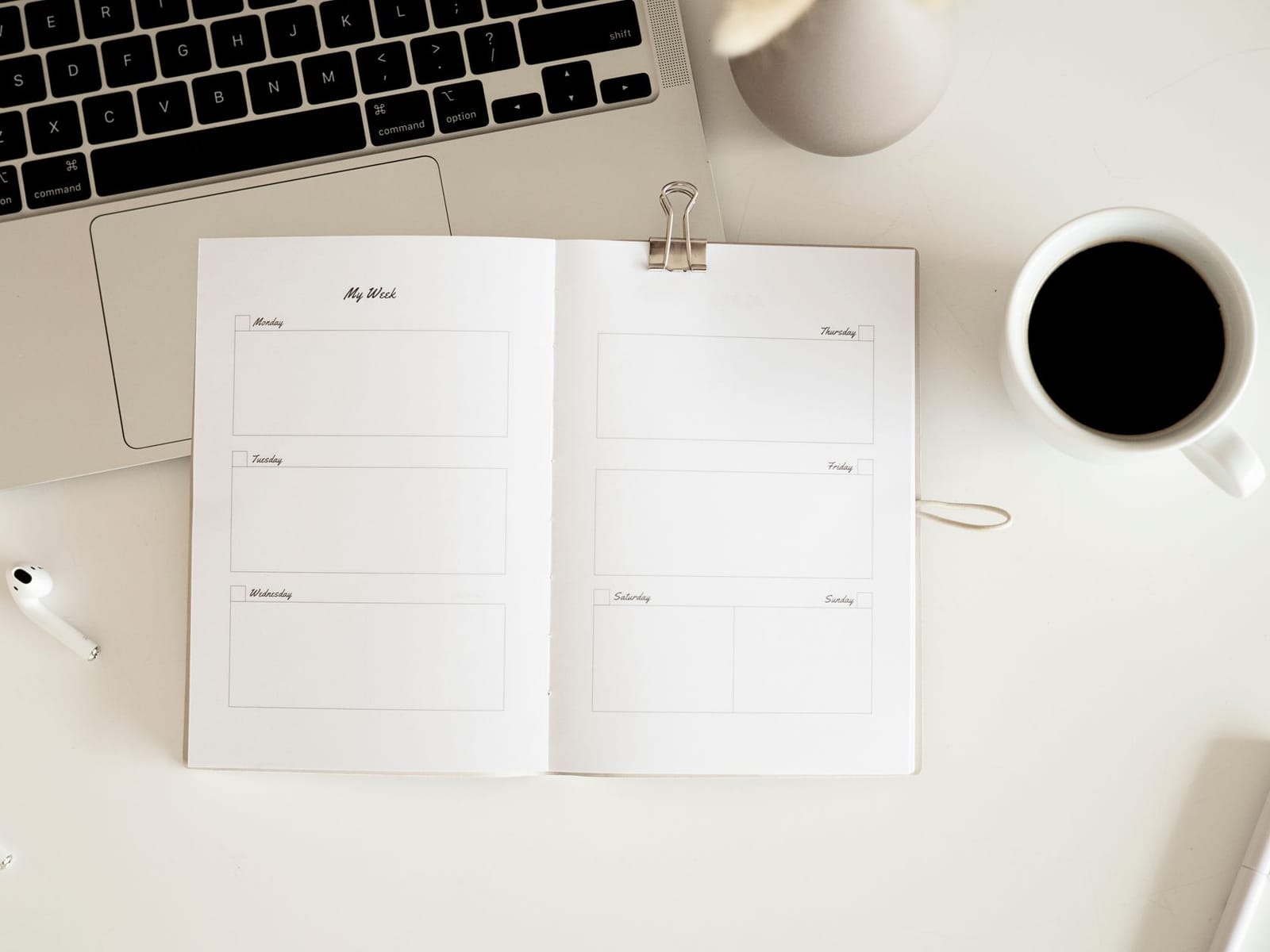
A simple planning system in a single workspace: a weekly board, a project list and a review page. Includes a short guide to set it up and adapt it to your own routine.
What you’ll learn
- Copy a calm weekly planning workspace in minutes
- Plan your week and your day in two screens
- Capture tasks without losing them
What’s inside
- 1Set up in 20 minutesFree preview20 min
- 2The weekly review ritual10 min
Who it’s for
- Anyone who wants one simple place for their week
- Freelancers and students juggling projects
- People who tried Notion and gave up
Course files and extras
Members download these from the course page.
- Notion template link
- Quick start guide (PDF)
Your instructor
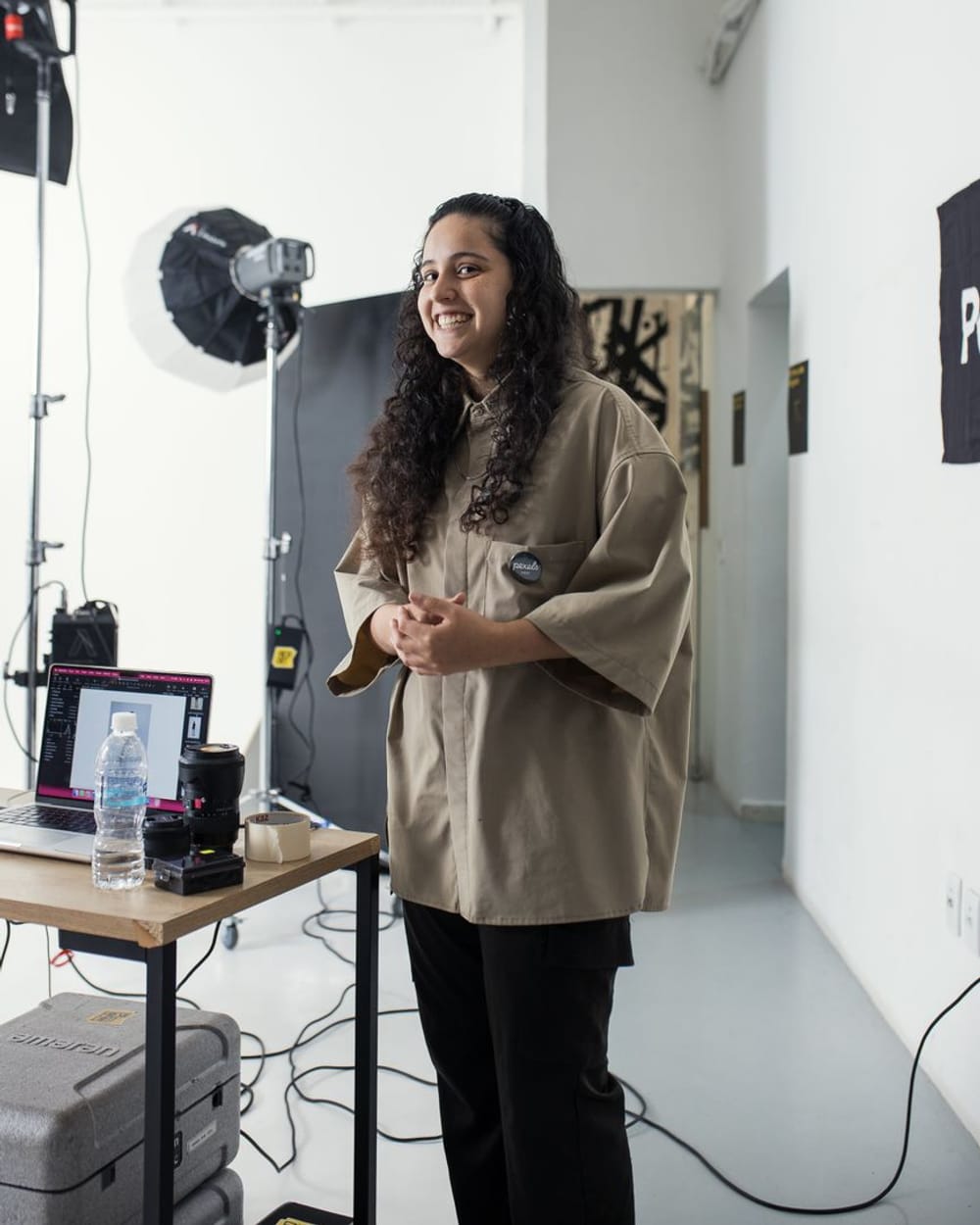
Lena Haddad
Brand designer and founder
Lena has spent twelve years building brands for cafes, clinics and young startups across Beirut and Dubai. She teaches the same short, hands-on process she uses with her own clients: one decision at a time, tested on a real project.
Reviews
4.7from 3 reviews
“Set up in ten minutes and I have used it every day since.”
Elias K. · Student
“Calm and simple, exactly what I needed.”
Mona D. · Freelancer
“The weekly review page is brilliant.”
Hussein A. · Project manager
More in the library
 CourseExplorerCertificate
Brand Design Foundations
Learn colour, type and layout choices that make a small brand look confident and consistent.
Beginner3h 53mDesign
 CourseScholarCertificate
UI Design in Figma, Start to Finish
Design a complete mobile app screen flow in Figma: wireframes, components, styles and prototype.
Intermediate6hDesign
 WorkshopExplorerCertificate
The Logo Workshop
A hands-on 90-minute workshop: ten quick sketches, one strong idea, one clean mark.
Beginner1h 30mDesign